
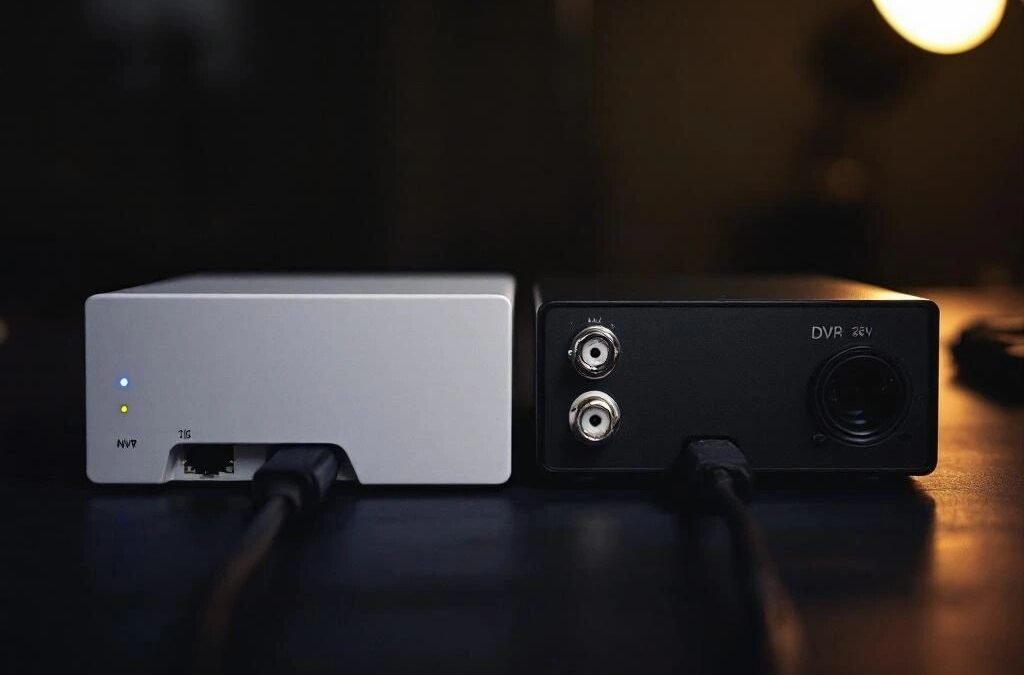
NVR vs DVR: Which Video Recorder Is Right for Your Security Cameras?
Every security camera system needs a recorder — something to store and manage your footage. You’ll run into two options: NVR (Network Video Recorder) and DVR (Digital Video Recorder). They do the same basic job but work very differently, and choosing the wrong one can limit your system for years.
Here’s the straightforward comparison without the jargon.
The Simple Difference
DVR (Digital Video Recorder) works with analog cameras connected via coaxial cable (the same type of cable as old-school cable TV). The cameras send raw video to the DVR, which processes and records it. This is the older technology — it works, it’s proven, and it’s cheaper upfront.
NVR (Network Video Recorder) works with IP cameras connected via ethernet cable (the same cable as your internet). Each camera processes the video itself and sends a digital stream to the NVR for storage. This is the newer standard and what most professional installers recommend in 2026.
NVR vs DVR: Head-to-Head Comparison
Video Quality
DVR: Supports up to 1080p on most models. Some newer DVRs handle 4K but it’s not standard. Analog conversion means the image is never quite as sharp as what the camera sees.
NVR: Winner. Natively supports 4K, 2K, and 1080p with no quality loss. What the camera captures is exactly what you see on playback. For reading licence plates, identifying faces, or zooming into footage — the difference is significant.
Wiring
DVR: Each camera needs two cables — one coaxial cable for video and one power cable. This means more cables to run through your walls. Some systems use siamese cable (video + power bundled together) which helps, but it’s still bulkier than the alternative.
NVR: Winner. Uses a single ethernet cable per camera. With PoE (Power over Ethernet), the same cable carries both video and power. One cable per camera, cleaner installation, less drilling through your GTA home’s walls.
Cable Length
DVR: Coaxial cable can reliably run up to about 300 metres without signal loss. Good for larger properties.
NVR: Ethernet cable is limited to about 100 metres per run. For most residential properties in the GTA, this is more than enough. For larger commercial properties, PoE switches can extend the range.
Camera Flexibility
DVR: Cameras must be directly wired to the DVR. Moving a camera means re-running cable.
NVR: Winner. IP cameras can connect via ethernet or WiFi. You can mix wired and wireless cameras on the same system. Adding cameras later is straightforward — just connect them to your network.
Storage
DVR: Typically uses standard hard drives. Storage capacity depends on the drive size and recording quality. A 2TB drive stores roughly 2-3 weeks of footage from 4 cameras at 1080p.
NVR: Also uses hard drives, but higher resolution means larger files. A 4TB drive stores roughly 2-3 weeks of footage from 4 cameras at 4K. Many NVRs also support cloud backup as an option. Tie — both need adequate storage, NVR needs more due to higher quality.
Audio
DVR: Most analog cameras don’t support audio. Adding audio requires separate microphones and additional cabling.
NVR: Winner. Most IP cameras have built-in microphones and some have speakers for two-way audio. Audio is transmitted over the same ethernet cable — no extra wiring needed.
Remote Access
DVR: Basic remote viewing through apps, but can be clunky and limited. Some older DVR models require port forwarding on your router, which is a security risk.
NVR: Winner. Modern NVRs offer smooth remote viewing via phone apps with push notifications, cloud P2P connections (no port forwarding needed), and multi-camera live views. The experience is noticeably better than DVR remote access.
Cost
DVR: Winner. Analog cameras and DVR hardware are cheaper than IP equivalents. A 4-camera DVR system can cost 30-40% less than a comparable NVR system. This is the main reason DVR still exists — budget.
NVR: Higher upfront cost, but you get better quality, easier installation, and more flexibility. Most professionals consider NVR the better long-term investment.
Which Should You Choose?
Go DVR if:
— You’re on a tight budget and 1080p quality is acceptable
— You’re upgrading an existing analog system and want to reuse the coaxial cables already in your walls
— You have a very large property where cable runs exceed 100 metres
Go NVR if:
— You want the best image quality (2K or 4K)
— You’re installing a new system from scratch
— You want clean single-cable installation
— You want two-way audio at your cameras
— You plan to add more cameras in the future
— You want reliable remote viewing on your phone
For most GTA homeowners installing a new system in 2026, NVR is the right choice. The price gap has narrowed significantly over the past few years, and the quality and convenience advantages are substantial. DVR still makes sense for budget-conscious installations or when upgrading an existing analog system where coaxial cable is already in the walls.
What About Cloud-Only Systems?
Some modern cameras (Ring, Arlo, Nest) skip the DVR/NVR entirely and store everything in the cloud. This means no hardware recorder in your home, but it also means monthly subscription fees ($5 – $30/camera/month) and dependency on your internet connection.
Cloud storage works well for 1-3 cameras. For a full 4-8 camera system, the monthly costs add up fast and a local NVR with no subscription is usually more economical over 2-3 years.
How Much Storage Do You Need?
This depends on how many cameras you have, their resolution, and how long you want to keep footage.
Rule of thumb for 24/7 recording:
4 cameras at 1080p: 2TB = ~2-3 weeks of footage
4 cameras at 4K: 4TB = ~2-3 weeks of footage
8 cameras at 1080p: 4TB = ~2-3 weeks of footage
8 cameras at 4K: 8TB = ~2-3 weeks of footage
Most homeowners in the GTA keep 2-4 weeks of footage before it auto-overwrites. If you only record on motion detection (not 24/7), the same storage lasts 3-4x longer.
Frequently Asked Questions
Can I use IP cameras with a DVR?
No. DVRs work with analog cameras only. IP cameras require an NVR or direct cloud connection. Some hybrid units (XVR) support both analog and IP cameras, which can be useful during a gradual upgrade.
Can I upgrade from DVR to NVR without replacing everything?
You’ll need new cameras (IP instead of analog) and a new recorder (NVR instead of DVR), but if you have ethernet cable in your walls, you can reuse it. If you only have coaxial cable, you’ll need to run new ethernet. Some installers can pull ethernet through the same routes as existing coaxial, which saves time.
Where should I put the NVR/DVR in my home?
Somewhere secure, dry, and ventilated. A locked closet, basement utility room, or dedicated network closet. Don’t put it in the garage (temperature swings in Ontario winters), near a window (visible to intruders), or in a damp area. Ideally, it should be near your internet router for easy connectivity.
Do I need a monitor connected to my NVR?
No. Modern NVRs are accessed primarily through phone apps and web browsers. You can connect a monitor for local viewing, but it’s not required. Most of our GTA clients check their cameras exclusively through their phones.
Need help choosing the right recorder for your system? Our team can assess your property and recommend the best setup for your needs and budget. Get a free quote or call (416) 890-3639.