
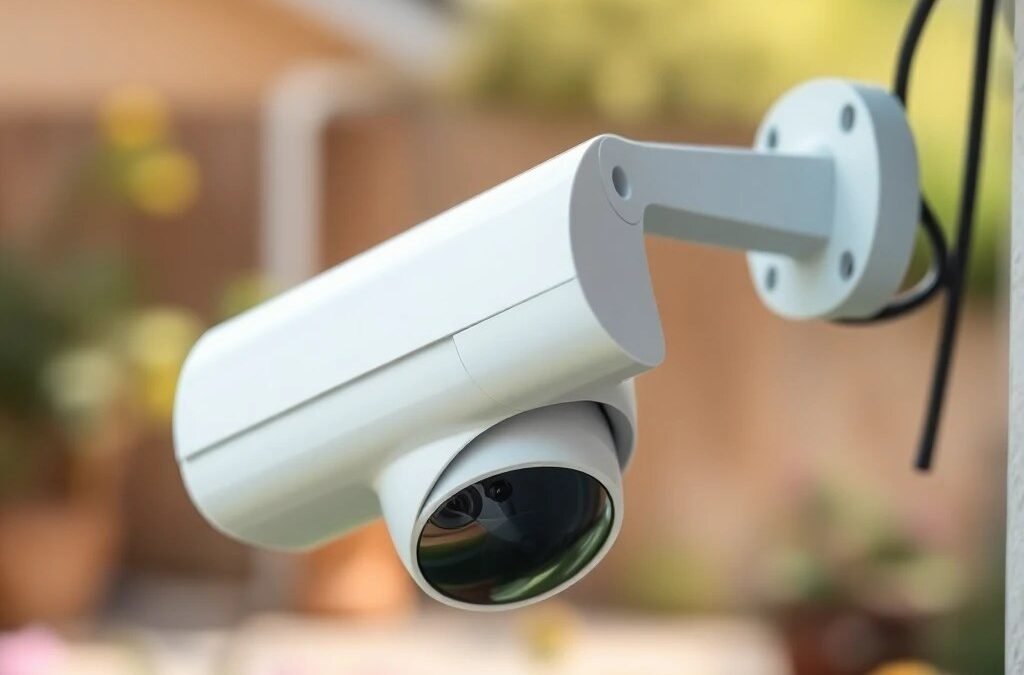
Wireless vs Wired Security Cameras: Which Should You Choose?
This is the question we get asked more than any other: should I go wireless or wired? The internet is full of opinions, and most of them come from people who either sell one type or installed one type and assume their choice is the only right answer.
The honest truth? Neither is universally better. The right choice depends on your property, your goals, your budget, and how much hassle you are willing to deal with long-term. This guide breaks it down so you can make the call that actually fits your situation — not someone else’s.
How Wireless Security Cameras Work
Wireless cameras connect to your home or business network over WiFi. Some are fully wireless, meaning they run on rechargeable batteries and have zero cables. Others are “wireless” in the sense that they transmit video over WiFi but still need a power cable plugged into an outlet.
Popular wireless camera brands in Canada include Ring, Arlo, Blink, Google Nest, and Wyze. These are widely available at Best Buy, Amazon.ca, and Home Depot, and most homeowners can install them without professional help.
How they connect: The camera connects to your home WiFi router, streams video to a cloud server (usually the manufacturer’s), and you view the feed through a smartphone app. Most require a monthly cloud subscription ($4-15/month per camera) for video storage and playback beyond the last few hours.
How Wired Security Cameras Work
Wired cameras connect to a central recorder via physical cables. The modern standard is PoE (Power over Ethernet) — a single Cat5e or Cat6 ethernet cable carries both the video signal and electrical power to the camera. No WiFi needed, no batteries, no separate power adapter.
The cameras connect to a NVR (Network Video Recorder) which stores footage on internal hard drives. You access the system through a dedicated app or web interface. Brands commonly used in professional installations include Hikvision, Dahua, Reolink, and Uniview.
How they connect: Ethernet cable runs from each camera location back to the NVR, typically through walls, attic, or conduit. The NVR sits in a closet, basement, or utility room. No internet connection is required for recording — your cameras work even if your internet goes down.
Head-to-Head Comparison
| Feature | Wireless (WiFi / Battery) | Wired (PoE) |
|---|---|---|
| Installation difficulty | Easy — mount and connect to WiFi | Moderate — requires cable runs through walls |
| Reliability | Depends on WiFi signal strength | Extremely reliable — dedicated connection |
| Video quality | 1080p to 2K typical | 2K to 4K standard, 8MP+ available |
| Power source | Battery (recharge every 1-6 months) or plug-in | Powered through ethernet cable |
| Storage | Cloud (monthly subscription) or small SD card | Local NVR hard drives (no subscription) |
| Monthly cost | $4-15/camera/month for cloud | $0 — all storage is local |
| Number of cameras | Best for 1-4 cameras | Scales easily to 8, 16, 32, or 64+ |
| Internet dependency | No internet = no recording or alerts | Records locally even without internet |
| Canadian winter performance | Battery life drops 40-60% below -10°C | Rated for -30°C to +60°C, no batteries to drain |
| Tampering resistance | Easy to steal — some battery models are magnetic mount | Hardwired and typically mounted with security screws |
| Best for | Renters, condos, indoor, temporary setups | Homeowners, businesses, permanent installations |
When Wireless Cameras Make Sense
Wireless cameras are not inferior across the board. There are real situations where they are the smarter choice:
Renters Who Cannot Run Cables
If you are renting a condo or apartment in Toronto, Markham, or anywhere in the GTA, you likely cannot drill holes through walls or run ethernet cable. A wireless camera that mounts with adhesive or a single screw is your only realistic option. When you move, it comes with you.
Indoor Monitoring
For watching a baby’s room, keeping an eye on pets, or monitoring a specific indoor area, a WiFi camera plugged into a wall outlet works perfectly well. The WiFi signal is strong indoors (usually), and the stakes are lower than outdoor security — if the camera drops offline for a few minutes, it is unlikely that a critical event happens in that exact window.
Temporary or Seasonal Use
Monitoring a cottage in Muskoka during the off-season, watching a renovation site for a few months, or keeping eyes on a seasonal business — wireless cameras can be installed in minutes and removed when the job is done.
Budget Constraints (Short-Term)
A single Ring or Arlo camera costs $100-300 and you can install it yourself in 20 minutes. A professional wired system starts at $1,500+. If you need something immediately and your budget is tight, a wireless camera today is better than a wired system next year.
When Wired Cameras Are Essential
For most homeowners and virtually all businesses in the GTA, wired cameras are the better long-term investment. Here is why:
Outdoor Cameras in Canadian Weather
This is the big one for GTA residents. Canadian winters are brutal on battery-powered cameras. When temperatures drop below -10°C — which happens regularly from December through March — lithium batteries lose 40-60% of their capacity. A camera rated for “6 months of battery life” might last 6 weeks in a Vaughan winter. You end up on a ladder in January, in the dark, swapping batteries. With PoE cameras, power comes through the cable. No batteries to die, no trips to the ladder in a snowstorm.
WiFi Reliability Issues in Brick Homes
Many homes in Toronto, North York, and older GTA neighbourhoods are built with double-brick construction. Brick is terrible for WiFi signals. A camera mounted on the front of a brick house might be only 15 metres from the router inside, but the signal has to pass through two layers of brick and possibly a concrete foundation. The result: dropped connections, choppy video, delayed alerts, and missed recordings at the worst possible moments.
Even in newer homes — the stucco and wood-frame builds common in Markham, Vaughan, and Richmond Hill — a camera at the far corner of a large property can struggle to maintain a stable WiFi connection, especially if multiple family members are streaming Netflix, gaming, and using smart home devices on the same network.
Multi-Camera Systems
If you need more than 3-4 cameras, wireless becomes problematic. Each camera is a WiFi client competing for bandwidth on your router. Four cameras streaming 1080p video simultaneously can saturate a standard home WiFi network, causing buffering, reduced quality, and dropped feeds. Wired systems handle 8, 16, or even 32 cameras without breaking a sweat because each camera has its own dedicated cable.
Commercial Properties
For businesses — retail stores, warehouses, offices, restaurants — wired cameras are the only serious option. You need reliable 24/7 recording, high-resolution footage for evidence, long-term local storage, and a system that does not depend on consumer WiFi. Insurance companies and law enforcement expect professional-grade footage. A grainy Ring clip does not cut it for a commercial theft investigation.
No Monthly Fees
Wireless cameras typically require a cloud subscription for video storage. At $10/month per camera, a 4-camera wireless system costs $480/year in subscriptions alone. Over five years, that is $2,400 — enough to pay for a professional wired system with zero ongoing costs. Wired systems store everything locally on the NVR’s hard drives. No subscription, no monthly bill, no company holding your footage on their servers.
The Hybrid Approach
You do not have to go all-in on one type. Many GTA homeowners end up with a hybrid setup:
Wired cameras outside — covering the front door, backyard, driveway, and garage. These are your critical security cameras that need to be reliable 24/7, in all weather, without fail.
Wireless cameras inside — a WiFi camera in the living room, nursery, or home office for convenience monitoring. These are lower stakes and easier to move around as needed.
This gives you the reliability of wired where it counts and the flexibility of wireless where convenience matters more than rock-solid uptime.
Cost Comparison for a Typical GTA Home
Let us compare the real cost of a 4-camera system — the most common residential setup — over a 5-year period:
Wireless (4 Battery Cameras)
Hardware: $400-1,200 (Ring, Arlo, or Blink kit)
Installation: $0 (DIY)
Cloud subscription: $120-480/year ($10-40/month for multi-camera plan)
Battery replacements: $50-100/year (faster drain in winter)
5-year total: $1,250 – $4,100
Wired PoE (4 Cameras + NVR)
Hardware: $800-1,500 (cameras, NVR, cables, switch)
Professional installation: $800-1,500
Cloud subscription: $0
Maintenance: Minimal — hard drive replacement every 3-5 years (~$100)
5-year total: $1,700 – $3,100
The wired system costs more upfront but less over time. And you get better video quality, more reliable recording, no dependency on cloud services, and a system that works even when your internet goes down or a company discontinues their cloud platform.
What About PoE Cameras — Is That Really “Wired”?
PoE stands for Power over Ethernet. It is the technology that lets a single ethernet cable deliver both data and electrical power to a camera. Think of it as the modern evolution of wired security — clean, simple, and efficient.
Here is why PoE is the professional standard:
One cable does everything. No separate power adapter, no extension cord, no electrical outlet needed near the camera. The PoE switch or NVR sends power through the ethernet cable.
Long cable runs. Cat6 ethernet works up to 100 metres — more than enough for any residential property and most commercial ones. For larger properties, a secondary switch extends the range.
Reliable data transfer. Unlike WiFi, a wired connection does not drop out, slow down during peak usage, or get interference from your neighbour’s router. The video feed is consistent and uncompressed.
Easy to expand. Adding a camera means running one cable and plugging it into an open port on the switch. No WiFi congestion concerns, no app pairing issues.
Making Your Decision
Ask yourself these questions:
Do you own or rent? Renters should lean wireless. Homeowners have the option of wired, and it is usually the better long-term choice.
How many cameras do you need? One or two cameras — wireless is fine. Four or more — seriously consider wired.
Is your home brick? If yes, test your WiFi signal where the cameras will go before buying wireless. Use your phone — if the WiFi is weak or drops where the camera will mount, wireless will be unreliable.
Do you want to pay monthly fees? If not, wired with local NVR storage eliminates subscriptions entirely.
How important is cold-weather reliability? If you are in the GTA and need outdoor cameras year-round, wired cameras handle Canadian winters without the battery issues that plague wireless systems.
Still not sure? That is what a site assessment is for. We visit your property, check WiFi coverage, evaluate camera placement locations, and recommend the right mix of wired and wireless for your specific situation.
Frequently Asked Questions
Can I install wired PoE cameras myself?
Technically, yes — if you are comfortable running ethernet cable through walls, attic spaces, or exterior conduit, and configuring an NVR. But most homeowners hire a professional for the installation and cabling, which ensures clean wire runs, weatherproof connections, and optimal camera angles. A poorly installed DIY system can have cable exposed to weather, sagging mounts, and blind spots. Learn more about what to look for in a professional installer.
Do wireless cameras work in a power outage?
Battery-powered wireless cameras continue recording during a power outage as long as the battery has charge. However, if your WiFi router loses power, the cameras cannot send alerts or stream to your phone. Plug-in wireless cameras (no battery) go offline completely during an outage. Wired systems can be paired with a UPS (battery backup) to keep the NVR and cameras running through short outages.
Will a wired camera system increase my home’s value?
A professionally installed wired security system is considered a home improvement. It can be a selling point, particularly in GTA neighbourhoods where security is a priority. Unlike wireless cameras that the owner takes with them, a wired system stays with the home and benefits the next owner.
How long does a professional wired camera installation take?
A typical 4-camera residential system takes one day — usually 4-6 hours including cable runs, mounting, NVR setup, app configuration, and a walkthrough showing you how to use the system. Larger systems (8-16 cameras) may take 1-2 days. We schedule around your availability and clean up all installation debris.
Can I mix wired and wireless cameras on the same system?
Some NVR systems support both PoE (wired) and WiFi cameras on the same recorder. Reolink and a few other brands offer hybrid NVRs. However, mixing systems can complicate management — different apps, different interfaces, different reliability levels. The hybrid approach we recommend is using a wired NVR system for your primary security cameras and separate wireless cameras for convenience monitoring indoors.
What happens to my wireless camera footage if the company shuts down?
If your cloud provider discontinues their service — which has happened with several camera brands — you lose access to stored footage and potentially the camera itself. Wired systems with local NVR storage do not depend on any company’s cloud service. Your footage is on hard drives you own and control.
Need help deciding between wired and wireless for your home or business? We assess your property, test signal coverage, and recommend the setup that works — no bias toward one type or the other. Get your free quote or call (416) 890-3639.